Migos AI Video Generator Questions
Practical answers about photos, motion controls, backgrounds, audio, credits, watermarks, and processing.
How do I make a Migos AI video from my photos?+
Choose Hotel Lobby, Your own video, or Your own audio as the creation mode. Upload separate photos for the left and right performers or switch to one group photo, add the requested reference media when using a custom mode, then choose the output settings and generate. Review both identities, movement, framing, and audio before downloading the result.
Can I use one group photo instead of two separate photos?+
Yes. Switch to group photo mode and upload one clear image containing exactly two people. The person on the viewer’s left is assigned to the left performer and the person on the right to the right performer. Separate portraits usually provide stronger identity references, so review the full result for face blending or swapped roles before sharing it.
Can I use my own motion video or audio?+
Yes. Your own video uses an uploaded MP4, MOV, or WebM clip as the motion reference. Custom audio accepts an uploaded MP3, WAV, M4A, or OGG file, including when you also use your own motion video. You can instead keep the current reference audio or generate a silent video. Each uploaded reference file can be up to 10 MB, and AI interpretation can vary.
Can I control the motion range, performance, background, and audio?+
Yes. Open Customize performance to set a clip start and end between 0 and 15 seconds, add optional performance notes, keep the orange studio or follow the environment in the lead photo, and choose reference audio, custom audio, or silent output. The clip range guides which motion the AI follows; the separate Duration control still sets the output length.
How many credits does Migos AI Video Generator use?+
The generator shows the required credits before you submit the job. The total changes with the selected resolution and duration, so a longer or higher-resolution video costs more credits than the default configuration. Check the amount beside the generate button and compare current plans or credit packs on the pricing page.
What photos work best for the Migos AI trend?+
For the most reliable identity matching, use two separate, well-lit images with one front-facing subject in each. Group photo mode works best with exactly two people standing side by side, similar face sizes, and no overlapping or covered faces. Avoid heavy blur, distant subjects, sunglasses, and extreme crops.
What happens if a Migos AI video generation fails?+
A generation confirmed as failed does not consume credits. A slow response, closed tab, or polling timeout does not necessarily mean the job failed; a task that later completes may use the displayed credits. Keep the task identifier and contact support if the status or credit charge appears incorrect.
Does the video include the original Hotel Lobby song?+
The generator lets you use the configured reference audio, upload your own audio, or request a silent result, but it does not grant rights to a trending song or other third-party recording. Listen to the completed file and confirm what it contains before posting. Music libraries and licensing rules differ by platform, so use audio you have permission to publish.
Will my Migos AI video have a watermark?+
Downloads created with a paid plan or credit pack do not include an added Migos AI Video Generator watermark. Review the completed file before publishing because AI output can still contain visual artifacts, and TikTok, Instagram, or another destination platform may add its own watermark after upload or editing.
Can I use a partner, family member, pet, or the same person twice?+
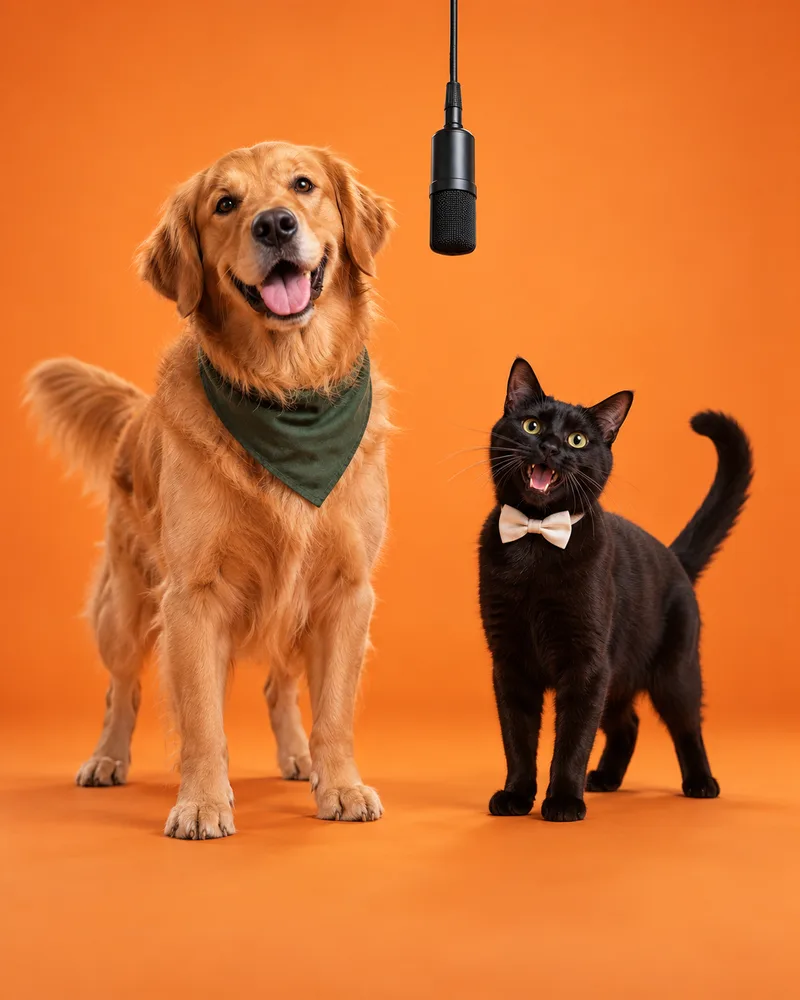
Yes. You can upload a partner, relative, pet, illustrated character, or the same subject into both role slots. Results vary because each image is interpreted as a performer. Use a clean source image for every role and inspect identity consistency throughout the complete video before sharing it.
How long does a Migos AI video take to generate?+
There is no fixed completion time. Processing varies with the selected output quality, duration, current demand, and generation provider. Keep the task identifier if one appears, use the status check to resume a pending job, and do not treat a slow response alone as proof that the generation failed.